React Native
Google Maps Plus
Map and Street View components on top of the official Google Maps SDKs for iOS and Android, built on Nitro Modules.
yarn add react-native-google-maps-plus react-native-nitro-modules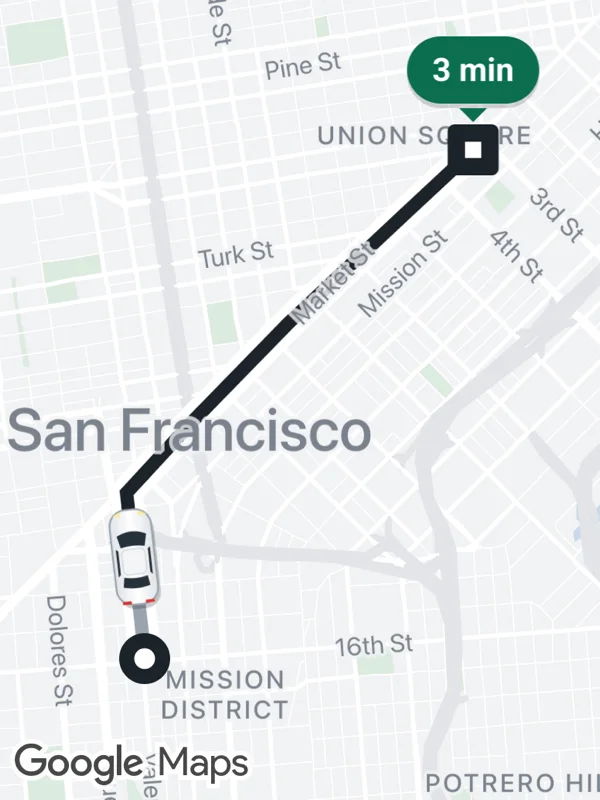 Ride tracking
polylinesmarkers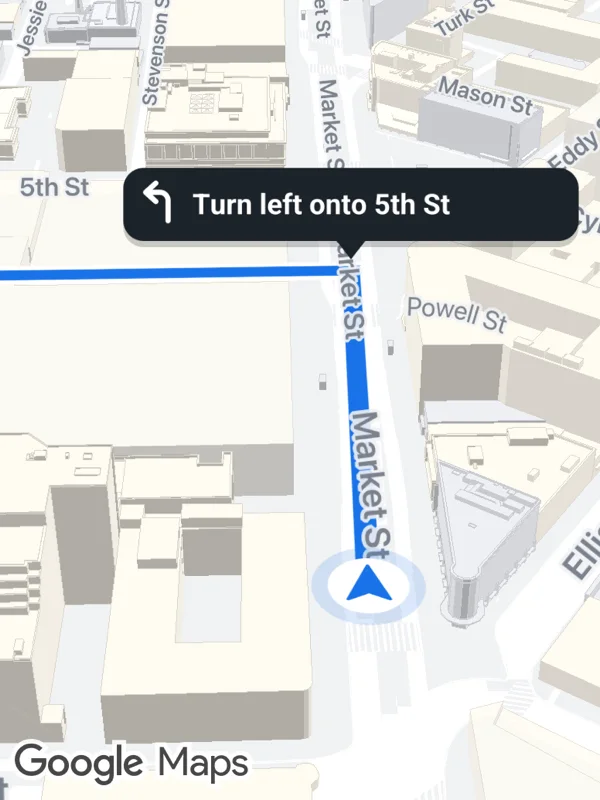 Navigation
mapOptionspolylinesmarkersbuildingEnabled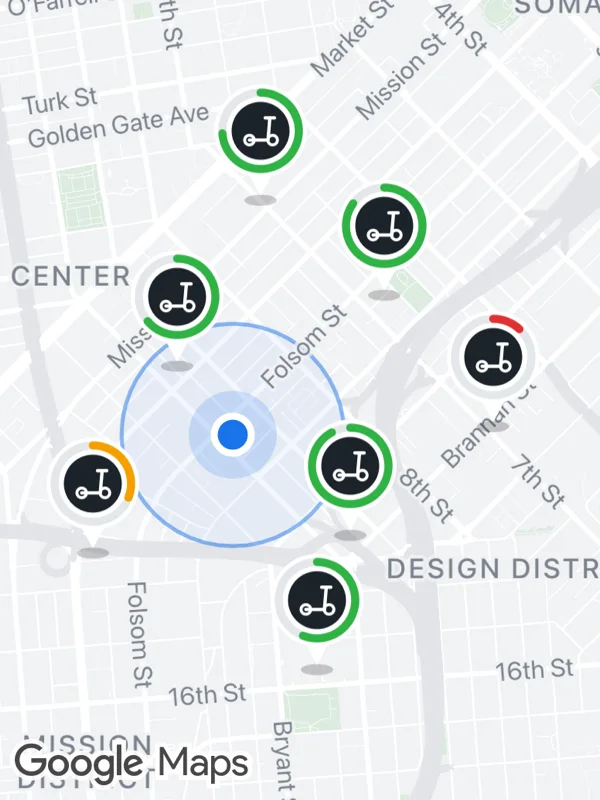 Scooter sharing
markerscircles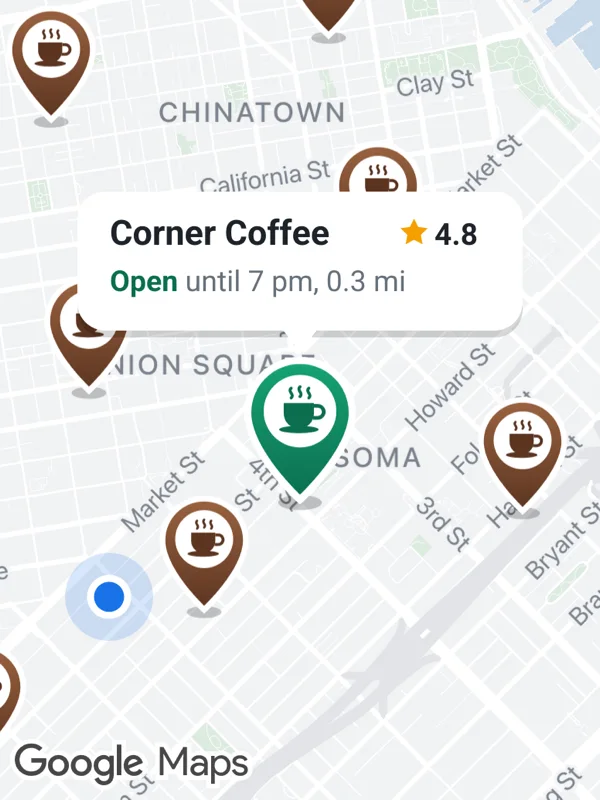 Store locator
markersonMarkerPress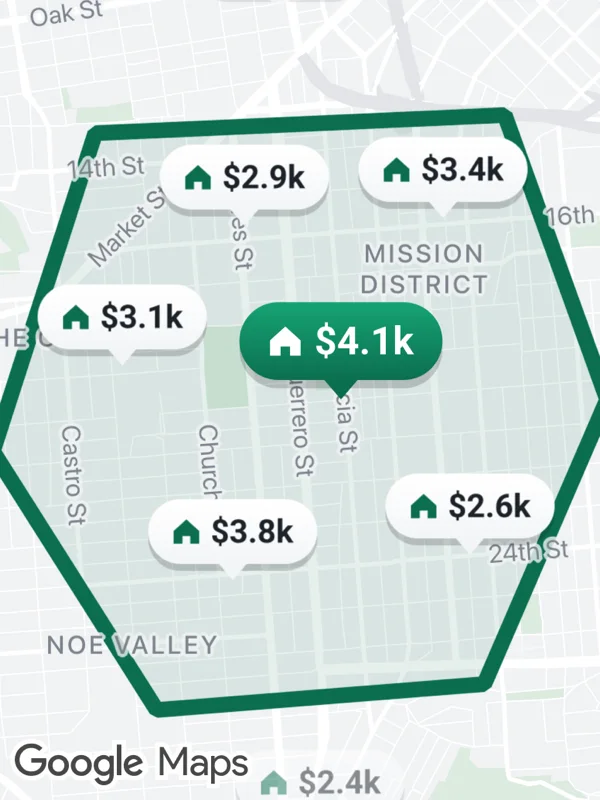 Rentals
markerspolygons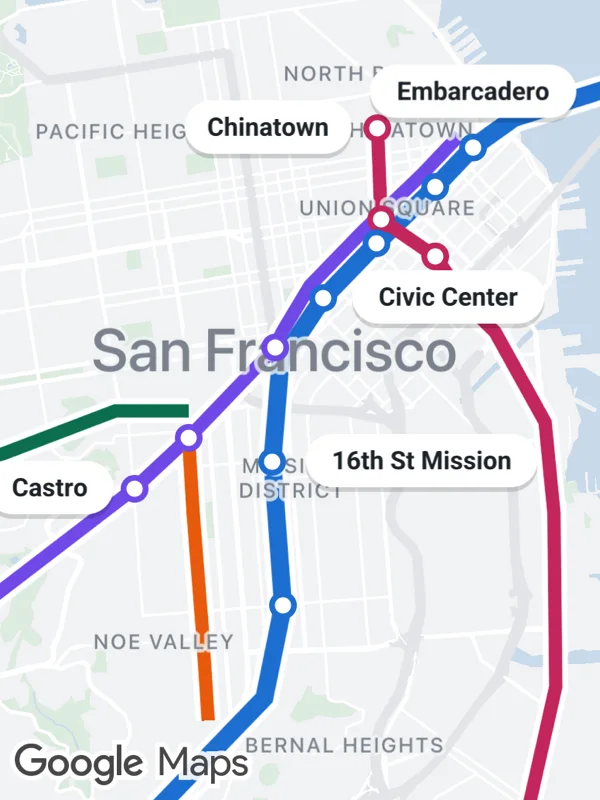 Transit network
polylinesmarkers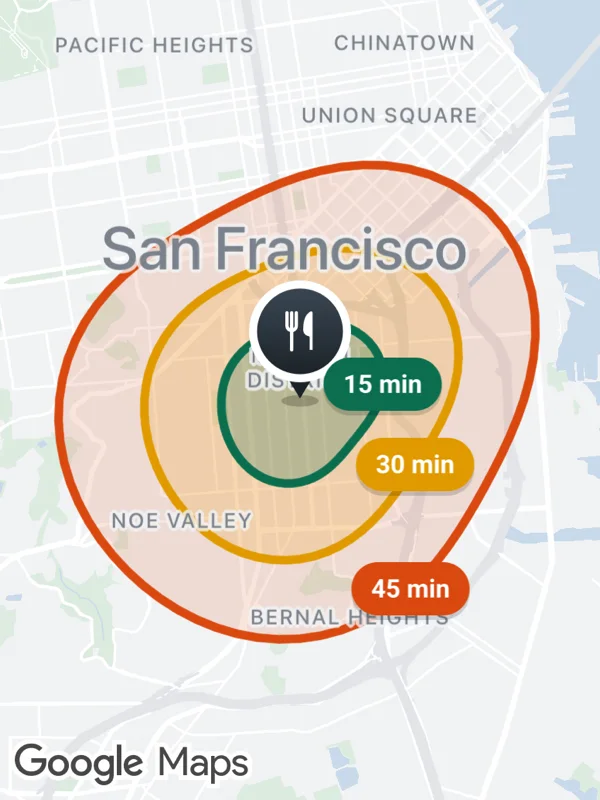 Delivery zones
polygonsmarkers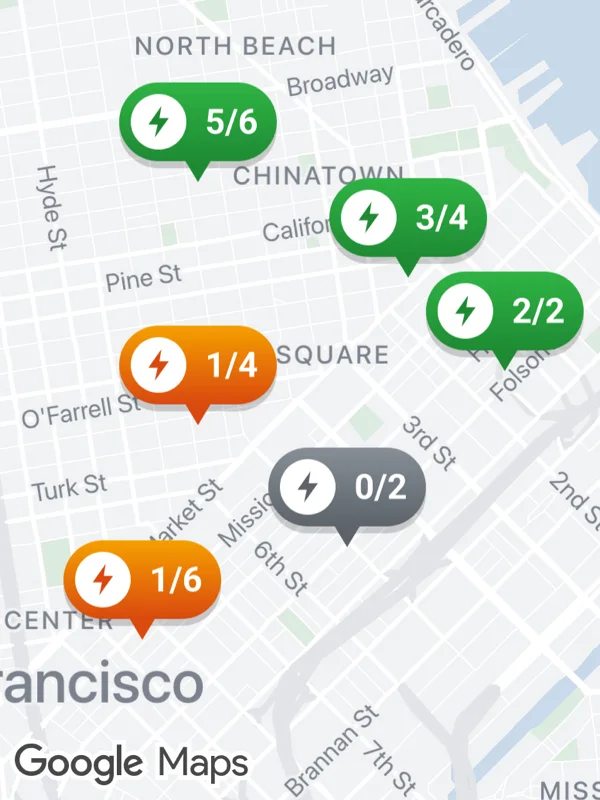 EV charging
markers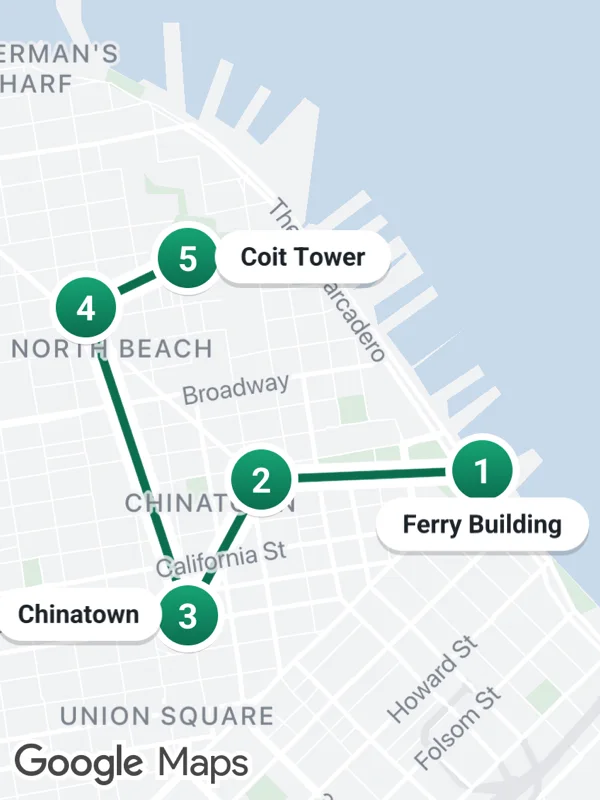 City tour
polylinesmarkers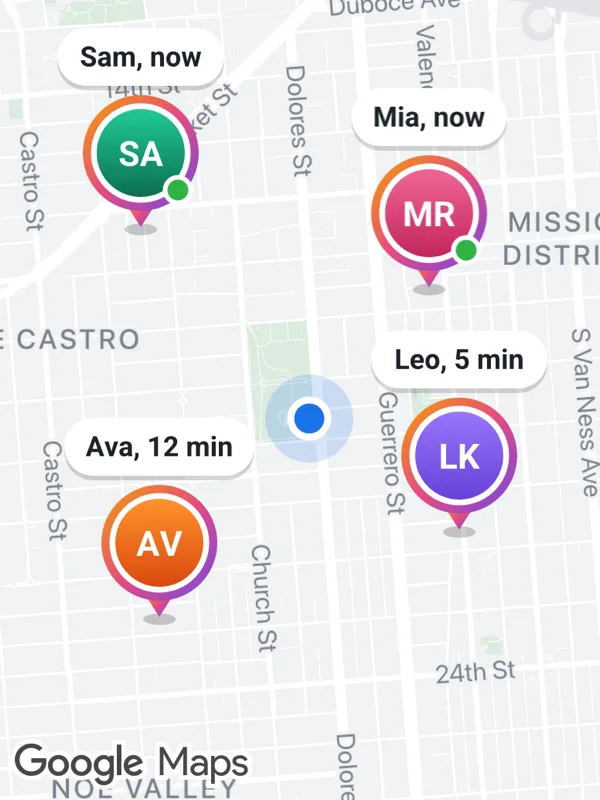 Friends nearby
markers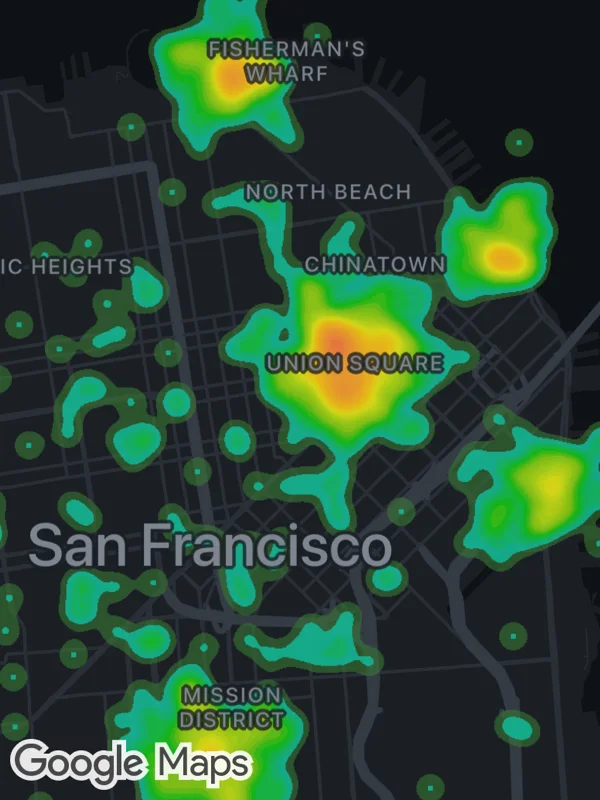 Analytics
heatmapscustomMapStyle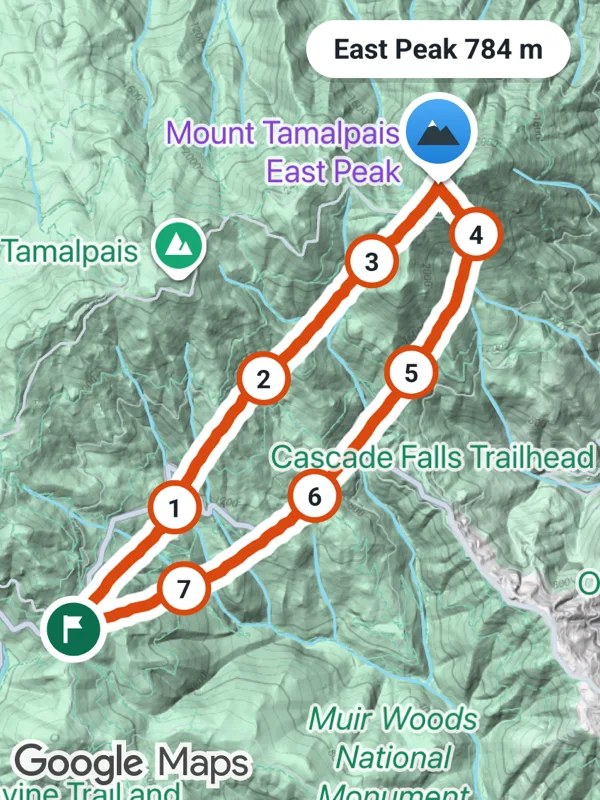 Outdoor tracking
polylinesmarkersmapType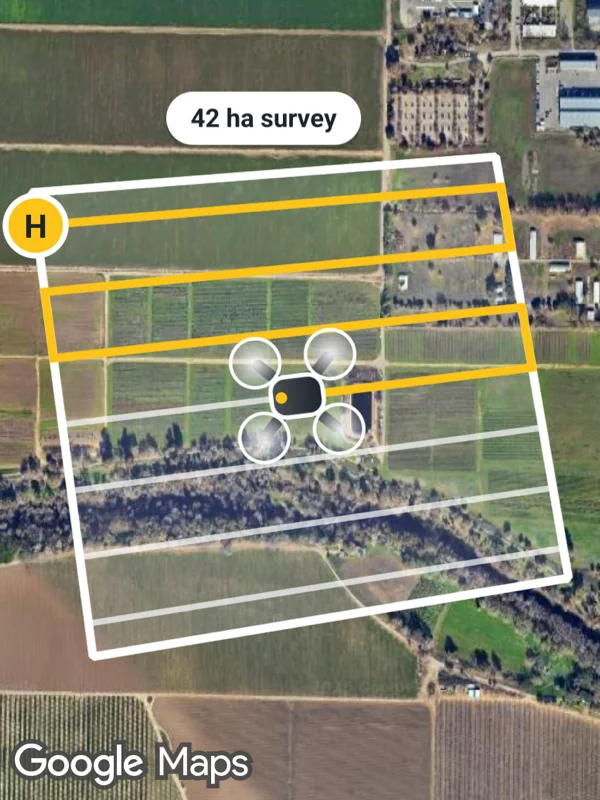 Drone survey
mapTypepolygonspolylinesmarkers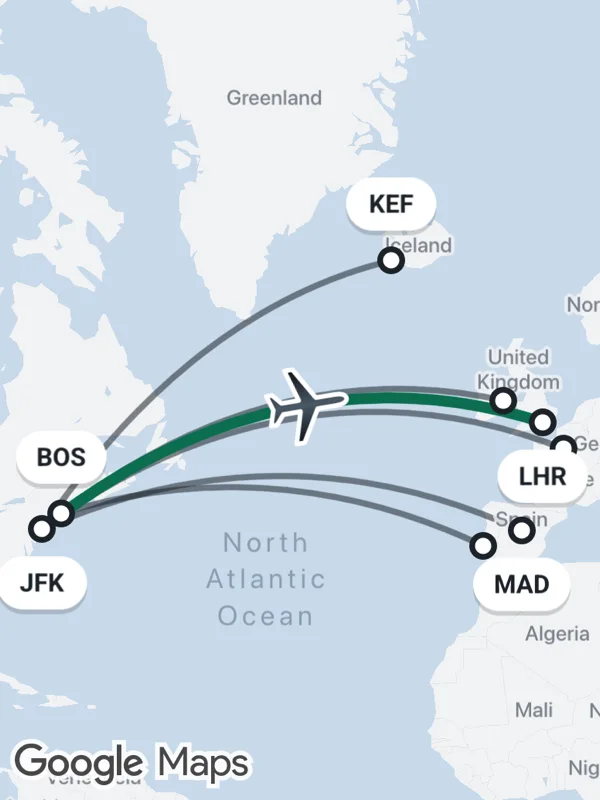 Flight routes
polylinesmarkers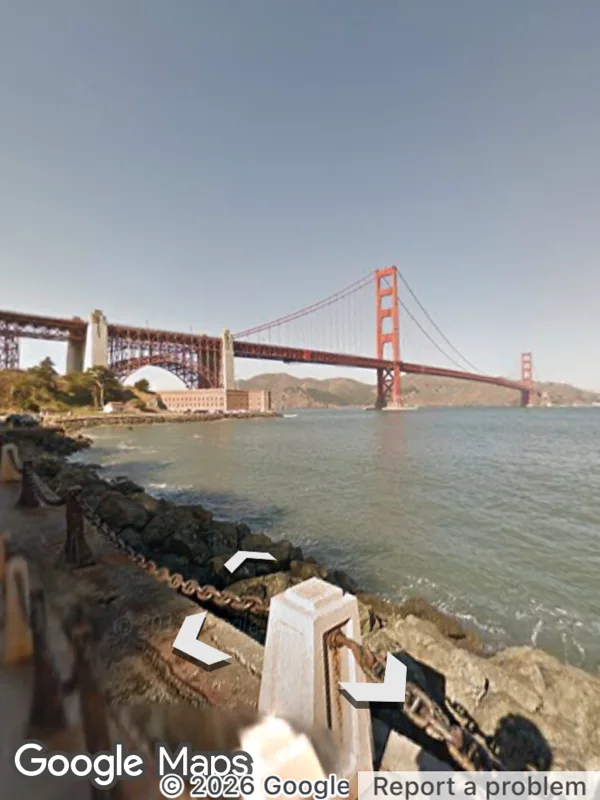 Street View
GoogleMapsStreetViewAll examples, including KML layers, tile overlays, clustering, indoor maps and snapshots.
Features
Overlays are props of GoogleMapsView, user interactions are callbacks and the camera is moved with methods on the ref.
- Markers
- Classic, draggable and advanced markers with info windows, pins and glyphs.
- SVG markers
- Any SVG string as marker icon, rendered natively in C++ by lunasvg.
- Shapes
- Polylines, polygons with holes and circles, each with tap events.
- Heatmaps, KML and tiles
- Weighted heatmaps with custom gradients, KML layers and URL tile overlays.
- Street View
- A Street View panorama with camera control and panorama events.
- Location
- Location updates, compass heading, permission status and the system dialogs.
- Camera and snapshots
- Animate the camera, fit coordinates or bounds and capture the map as an image.
- Styles
- JSON map styles, map IDs, dark mode, traffic, transit and indoor levels.
Quickstart
- Install
react-native-google-maps-plusandreact-native-nitro-modules. - Set up the Google Maps SDKs and API keys for iOS and Android.
- Add
GoogleMapsViewto a screen.
App.tsx
import { GoogleMapsView } from 'react-native-google-maps-plus';

export default function App() {
  return (
    <GoogleMapsView
      style={{ flex: 1 }}
      mapOptions={{
        camera: {
          center: { latitude: 37.7749, longitude: -122.4194 },
          zoom: 12,
        },
      }}
    />
  );
}