My location
The blue dot and the location button of the Maps SDK. The example requests the location permission with GoogleMapsModule and enables the blue dot once it is granted. Android does not ask on its own, see Location.
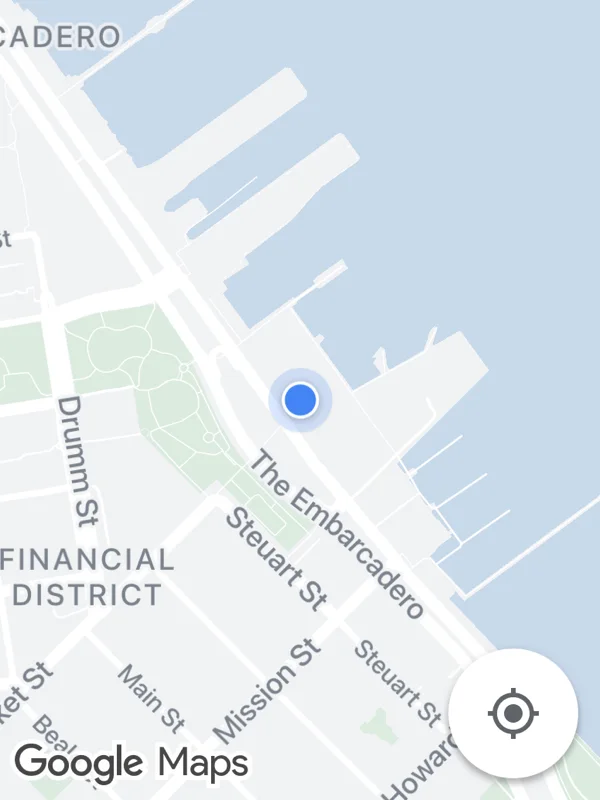
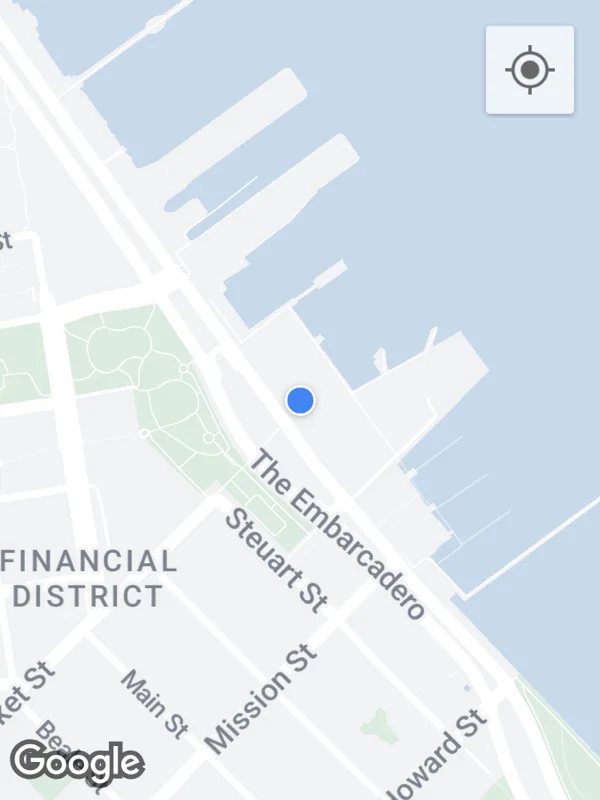
Uses myLocationEnabled, uiSettings.
location.tsx
import React, { useEffect, useState } from 'react';

import {
  GoogleMapsModule,
  GoogleMapsView,
  RNAndroidLocationPermissionResult,
  RNIOSPermissionResult,
} from 'react-native-google-maps-plus';

import { lightStyle, ll } from './shared';

export default function MyLocation() {
  const [granted, setGranted] = useState(false);

  useEffect(() => {
    GoogleMapsModule.requestLocationPermission().then((result) =>
      setGranted(
        result.android === RNAndroidLocationPermissionResult.GRANTED ||
          result.ios === RNIOSPermissionResult.AUTHORIZED
      )
    );
  }, []);

  return (
    <GoogleMapsView
      style={{ flex: 1 }}
      customMapStyle={lightStyle}
      mapOptions={{ camera: { center: ll(37.7955, -122.3937), zoom: 15.5 } }}
      myLocationEnabled={granted}
      uiSettings={{ myLocationButtonEnabled: true }}
    />
  );
}
Colors, map styles and the SVG helpers svg, marker and pill come from shared.ts. Marker text uses the Roboto fonts bundled with the example app, see fonts.