Snapshot
Once the map has loaded, snapshot captures it as an image, shown here as a thumbnail. The result is a data URI or a file, ready to share or upload.
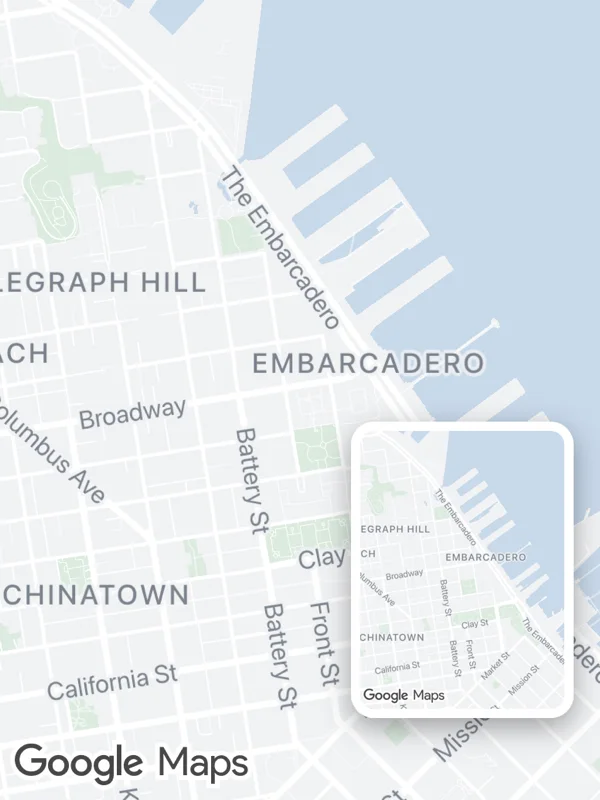
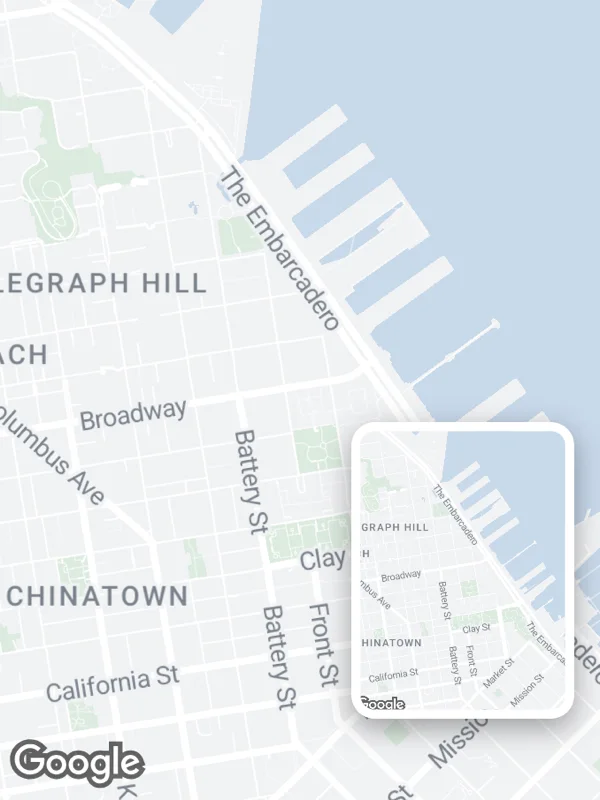
Uses hybridRef, onMapLoaded.
snapshot.tsx
import React, { useMemo, useRef, useState } from 'react';

import { Image, StyleSheet, View } from 'react-native';

import {
  GoogleMapsView,
  type GoogleMapsViewRef,
} from 'react-native-google-maps-plus';
import { callback } from 'react-native-nitro-modules';

import { lightStyle, ll } from './shared';

export default function Snapshot() {
  const map = useRef<GoogleMapsViewRef | null>(null);
  const [image, setImage] = useState<string>();

  const hybridRef = useMemo(
    () =>
      callback((ref: GoogleMapsViewRef) => {
        map.current = ref;
      }),
    []
  );

  const onMapLoaded = useMemo(
    () =>
      callback(async () => {
        const result = await map.current?.snapshot({
          format: 'png',
          quality: 1,
          resultType: 'base64',
        });
        setImage(result);
      }),
    []
  );

  return (
    <View style={styles.container}>
      <GoogleMapsView
        style={styles.container}
        customMapStyle={lightStyle}
        mapOptions={{ camera: { center: ll(37.7985, -122.3995), zoom: 14.5 } }}
        hybridRef={hybridRef}
        onMapLoaded={onMapLoaded}
      />
      {image && <Image source={{ uri: image }} style={styles.thumbnail} />}
    </View>
  );
}

const styles = StyleSheet.create({
  container: { flex: 1 },
  thumbnail: {
    position: 'absolute',
    right: 12,
    bottom: 36,
    width: 96,
    height: 128,
    borderRadius: 10,
    borderWidth: 4,
    borderColor: '#ffffff',
    boxShadow: '0 4px 12px rgba(0, 0, 0, 0.35)',
  },
});
Colors, map styles and the SVG helpers svg, marker and pill come from shared.ts. Marker text uses the Roboto fonts bundled with the example app, see fonts.